

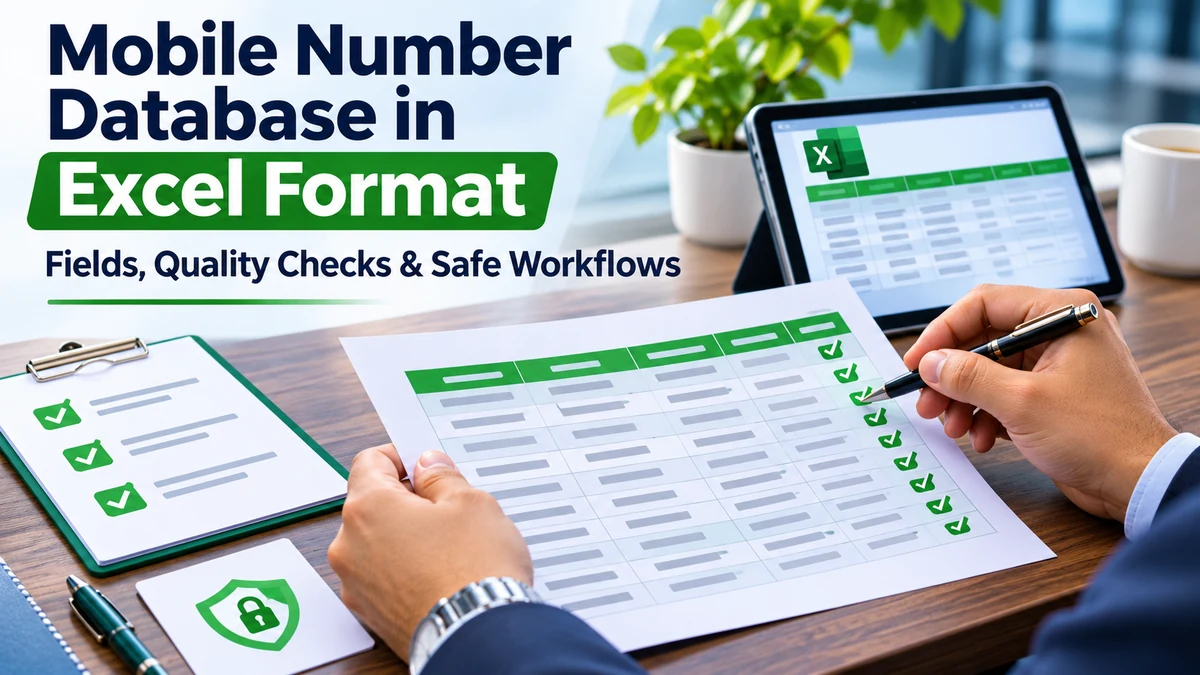
An Excel workbook is only a container. Its usefulness depends on clear field definitions, documented source and permitted use, consistent formatting and a process for keeping corrections and opt-outs in sync. A large spreadsheet can still be incomplete, outdated or unsuitable for the planned activity.
Key Takeaways
- An Excel workbook is only a container. Its usefulness depends on clear field definitions, documented source and permitted use, consistent formatt
- Before import, inspect the workbook in a controlled environment. Review the header row, data dictionary, date formats, country codes, blank value
- Confirm provenance and use rights; check required columns; standardise phone formats without guessing missing digits; remove exact duplicates; fl
Learn how to assess an Excel contact file, understand its columns, detect common data-quality problems and protect personal information throughout the workflow. The most useful decision is the one that fits the actual purpose, the evidence available and the experience expected by the person receiving the communication.
Example of a useful field dictionary
| Field | Purpose | Quality check |
|---|---|---|
| Record ID | Stable internal reference | Unique and non-sensitive |
| Business name | Identifies an organisation where relevant | Consistent spelling and source |
| Contact channel | Shows the business channel supplied | Correct format and permitted use |
| Source and date | Documents provenance and recency | Traceable to supporting records |
| Permission scope | Records the stated communication purpose | Specific, current and auditable |
| Suppression status | Prevents contact where required | Synchronised before activation |
What this guide covers
An Excel workbook is only a container. Its usefulness depends on clear field definitions, documented source and permitted use, consistent formatting and a process for keeping corrections and opt-outs in sync. A large spreadsheet can still be incomplete, outdated or unsuitable for the planned activity. A clear scope prevents teams from confusing a record count, an API feature or a marketing label with proof that a campaign is suitable. Write down the intended outcome and the limits of the information before selecting a tool or provider.
Keep the business objective specific. Identify the owner of the process, the people affected, the information required and the action that should happen next. This makes it easier to explain the workflow to colleagues and to detect when a proposed use goes beyond the original purpose.
How to plan the right approach
Before import, inspect the workbook in a controlled environment. Review the header row, data dictionary, date formats, country codes, blank values, duplicate identifiers and any consent or suppression fields. Preserve an untouched source copy and work from a restricted, versioned copy.
A sales operations team receiving a city-wise workbook can first map columns to its CRM fields, import a small authorised test set, validate the mapping and verify suppression rules. Only then should it consider a wider import. Document the decisions that matter: who approved the activity, which source or system is involved, what information is used and how a person can ask a question or change their preference.
What to verify before choosing or launching
Confirm provenance and use rights; check required columns; standardise phone formats without guessing missing digits; remove exact duplicates; flag suspicious rows; scan formulas and macros; restrict access; encrypt transfers; and document deletion or retention dates.
- Confirm ownership and the person responsible for approving the work.
- Check the source, permissions, technical requirements and current terms that apply.
- Test the complete journey, including failure, correction and escalation paths.
- Keep a record of decisions, changes, incidents and customer preferences.
Privacy, provenance and responsible use
Never forward spreadsheets through open groups or personal accounts. Do not remove opt-out fields to make an import easier, and do not assume that a phone number plus a name is permission to call or message.
For India-focused personal-data workflows, review the Digital Personal Data Protection Act, 2023 and the Digital Personal Data Protection Rules, 2025. Check commencement notifications and current applicability rather than assuming every provision has the same effective date.
Use the minimum information needed for the stated purpose. Separate business contact channels from private personal data, restrict access by role, set retention periods and make sure that a correction or opt-out is reflected in downstream systems and agency exports.
Measure outcomes and improve
Measure import success, rejected rows, duplicate rate, missing-field rate, correction turnaround and suppression coverage. These checks describe file quality; they do not prove that recipients agreed to receive marketing.
Set a baseline before launch and review results over a defined period. Compare like with like, segment the data where appropriate and investigate unexpected changes before drawing conclusions. A metric should help the team make a better decision, not simply make a report look impressive.
Common mistakes to avoid
Never forward spreadsheets through open groups or personal accounts. Do not remove opt-out fields to make an import easier, and do not assume that a phone number plus a name is permission to call or message. Another frequent mistake is measuring activity without checking whether it produced a useful result. Review the customer experience, operational workload and any negative feedback alongside the headline metric.
Keep the process documented and revisit it when the product, provider, rules or audience changes. If an important fact cannot be verified, label it as unconfirmed and resolve it before publication or campaign launch.
Frequently Asked Questions
What should I check first?
Start with the purpose, source, permissions, scope and evidence. Then test the complete workflow before scaling.
Does a large record or message count guarantee results?
No. Volume does not guarantee relevance, delivery, response or conversion. Measure the outcome that matters to the business.
Can I use the same process for every audience?
Usually not. Requirements vary by audience, channel, geography and purpose. Segment carefully and review the applicable rules.
How often should this process be reviewed?
Review it whenever the provider, platform, law, data source or campaign purpose changes, and on a regular schedule set by the business.
Official references
For India-focused personal-data workflows, review the Digital Personal Data Protection Act, 2023 and the Digital Personal Data Protection Rules, 2025. Check commencement notifications and current applicability rather than assuming every provision has the same effective date.
For applicable bulk SMS communication in India, consult TRAI’s advice to senders and the relevant access provider’s current code of practice. Requirements can include Principal Entity registration, header and content-template registration, and consent processes where applicable.
Explore related Astral Promotion services
Explore the related service Explore the related service
Conclusion
Learn how to assess an Excel contact file, understand its columns, detect common data-quality problems and protect personal information throughout the workflow. Use a documented, evidence-led approach, protect the people affected by the workflow and review the results before expanding it. For a service discussion, visit the relevant Astral Promotion service page or contact the team with your requirements.

Comments and discussion
Be the first to join the discussion. Comments are reviewed before appearing publicly.